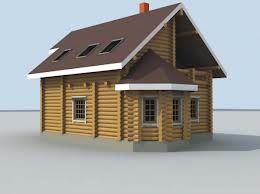
Learn to export sketchup model as an STL format and import to 123d Make
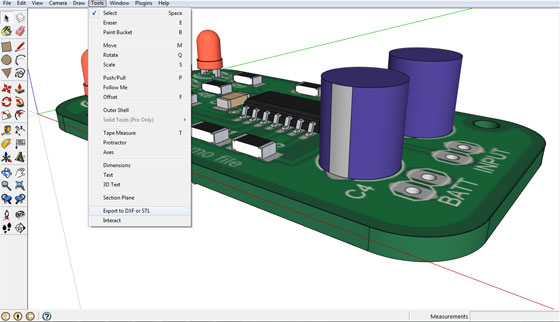
This is an exclusive sketchup video tutorial that teaches you how to generate a model in 3d through sketchup and export it as an STL file for 3d printing and then import to 123d Make and at last export the cutting sheet to be applied through a digital fabrication tool similar to a laser cutter.
Go through the following link to download sketchup http://www.sketchup.com/download
Download sketchup STL plugin from sketchup extension warehouse https://extensions.sketchup.com/en/content/sketchup-stl
Sketchup STL plugin is compatible with SketchUp 8, SketchUp 2013,SketchUp 2014, SketchUp 2015.
Download 123d Make: http://www.123dapp.com/make
123D Make facilitates the users to convert any 3d model into 2D build plans by following animated assembly instructions.
We want to feature this page: sketchup4architect.com/sketchup-plugins
|